
Copilot Training
Instructor-led - Live Online
AI Skills are Essential - Work Faster, Smarter and Better!
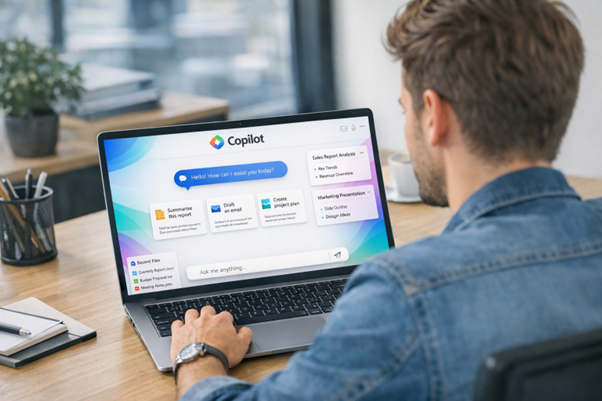
Onsite at your offices or live online.
Interactive courses with exercises and Q & A.
Please contact us to boost your AI skills and productivity.
Reviews from the Web 4.9/5 ⭐⭐⭐⭐⭐
Course Outlines
COPILOT LEVEL 1: CHAT & WORKPLACE APPS
Step into the future of work. Improve the quality of emails, enhance collaboration in meetings, streamline spreadsheet tasks such as data clean-up, formatting, and analysis, and produce better documents and presentations with greater speed and consistency.
No AI or Copilot experience is needed.
| Introduction to AI and Copilot | Copilot & Excel: |
|---|---|
| Proper prompts in Copilot Chat | Work faster across analysis, cleaning, modelling, and presentation |
| Using Create properly | Copilot & Word: |
| Copilot & Outlook: | Produce, transform, and navigate documents much faster |
| Manage email faster and communicate more clearly | Copilot & PowerPoint: |
| Copilot & Teams: | Create and polish presentations much faster |
| Keep up with conversations and meetings, and turn discussion into actions | Built-in Agents: Researcher & Analyst |
COPILOT LEVEL 2: WORKFLOWS & CUSTOM AGENTS
Copilot Cowork and Copilot Studio are Microsoft’s low-code platforms for creating workflows and agents that can answer questions, automate tasks, and support employees or customers. Prerequisites: Basic understanding of Copilot.
| Basic workflows and agents in Microsoft 365 | Scheduled tasks |
|---|---|
| Introduction to Agentic AI | Governance & Security |
| Copilot Chat vs Cowork vs Agents | Introduction to Copilot Studio |
| Understanding Work IQ | Creating a new agent in Copilot Studio |
| How Cowork uses Microsoft Graph | Working with environments |
| Getting Started with Cowork | Adding topics |
| Access and licensing | Taking action with tools |
| Writing Effective Cowork Requests | Automation with triggers |
| Outcomes vs prompts | Agents as assistants |
| Context and approvals | Testing your agents |
| Practical Use Cases | Publishing agents and analysing performance |
Ready to work smarter with Microsoft Copilot? Contact us today to turn AI into real business impact.
Includes courseware, hands-on exercises and completion certificate.